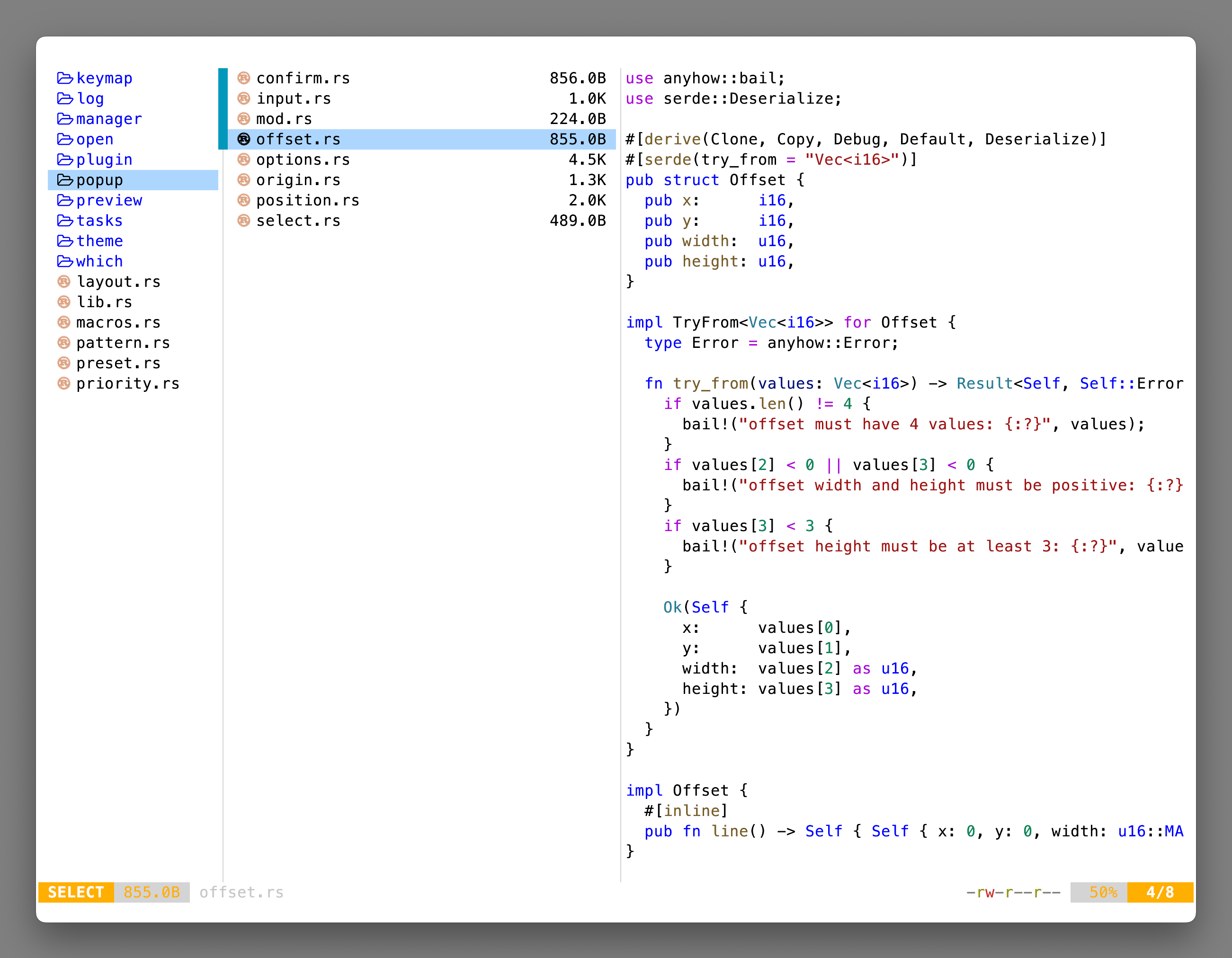
## 👀 Preview
 ## 🎨 Installation
### Yazi CLI
```bash
# v25.5.28+
ya pkg add 956MB/vscode-light-plus
# pre v25.5.28 (deprecated)
ya pack -a 956MB/vscode-light-plus
```
### Manual
```bash
# Linux/macOS
git clone https://github.com/956MB/vscode-light-plus.yazi.git ~/.config/yazi/flavors/vscode-light-plus.yazi
# Windows
git clone https://github.com/956MB/vscode-light-plus.yazi.git %AppData%\yazi\config\flavors\vscode-light-plus.yazi
```
## ⚙️ Usage
Add the these lines to your `theme.toml` configuration file to use it:
```toml
[flavor]
light = "vscode-light-plus"
```
## 📜 License
The flavor is MIT-licensed, and the included tmTheme is also MIT-licensed.
Check the [LICENSE](LICENSE) and [LICENSE-tmtheme](LICENSE-tmtheme) file for more details.
## 🎨 Installation
### Yazi CLI
```bash
# v25.5.28+
ya pkg add 956MB/vscode-light-plus
# pre v25.5.28 (deprecated)
ya pack -a 956MB/vscode-light-plus
```
### Manual
```bash
# Linux/macOS
git clone https://github.com/956MB/vscode-light-plus.yazi.git ~/.config/yazi/flavors/vscode-light-plus.yazi
# Windows
git clone https://github.com/956MB/vscode-light-plus.yazi.git %AppData%\yazi\config\flavors\vscode-light-plus.yazi
```
## ⚙️ Usage
Add the these lines to your `theme.toml` configuration file to use it:
```toml
[flavor]
light = "vscode-light-plus"
```
## 📜 License
The flavor is MIT-licensed, and the included tmTheme is also MIT-licensed.
Check the [LICENSE](LICENSE) and [LICENSE-tmtheme](LICENSE-tmtheme) file for more details.
